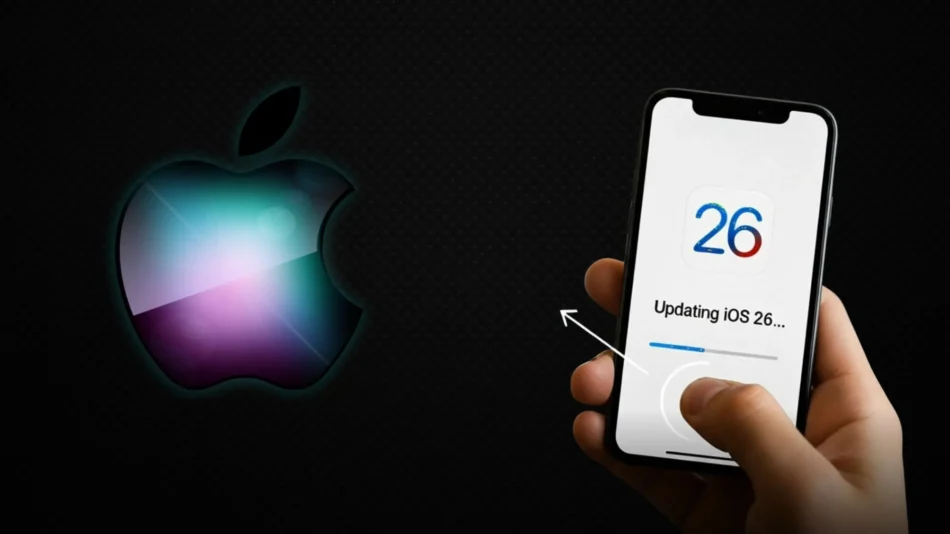

Apple has issued an official notice to users regarding its latest iOS 26 update, cautioning that the software may temporarily impact iPhone battery life and performance. This warning comes as millions begin installing the highly anticipated update on their devices.
The company explains that following a major iOS update, iPhones perform intensive background tasks such as reindexing files, updating apps, and downloading new system assets. This increased activity can lead to faster battery drain and even cause the device to feel warmer than usual. Apple assures users that this period of adjustment is normal and that most devices will stabilize within 48 to 72 hours.
Reports from Early Users
Early adopters have reported noticeable battery depletion, with some observing a 20–40% drop within an hour of use, particularly on older iPhone models. While concerning, Apple emphasizes that this is a standard, short-term process essential for new features and optimizations to function correctly.
To help manage battery life during this period, users are advised to:
- Ensure their iPhone is connected to Wi-Fi and power during the update process.
- Avoid heavy, graphics-intensive usage for the first day after updating.
- Allow background processes to complete without force-closing apps.
Apple states that if significantly reduced battery life persists beyond a full week, users should check for subsequent minor updates or contact Apple Support, as the issue may then be unrelated to the initial indexing phase.
FAQs
Q1: How long will my battery life be affected after updating to iOS 26?
A1: According to Apple, most iPhones return to normal battery performance within two to three days as background tasks complete.
Q2: Should I avoid updating to iOS 26 because of this?
A2: No. Apple indicates this is a normal, temporary process. The update includes important security patches and new features. It’s recommended to install it but plan for some battery impact during the first few days.
Q3: Are older iPhone models more affected?
A3: Yes. Older batteries with reduced capacity may experience more noticeable drain during the post-update indexing period, but they should also stabilize.
Q4: What can I do to reduce the battery drain after updating?
A4: Keep your phone plugged in and connected to Wi-Fi for a few hours after the update. Avoid prolonged heavy use initially and ensure you’re running the latest version of all your apps.